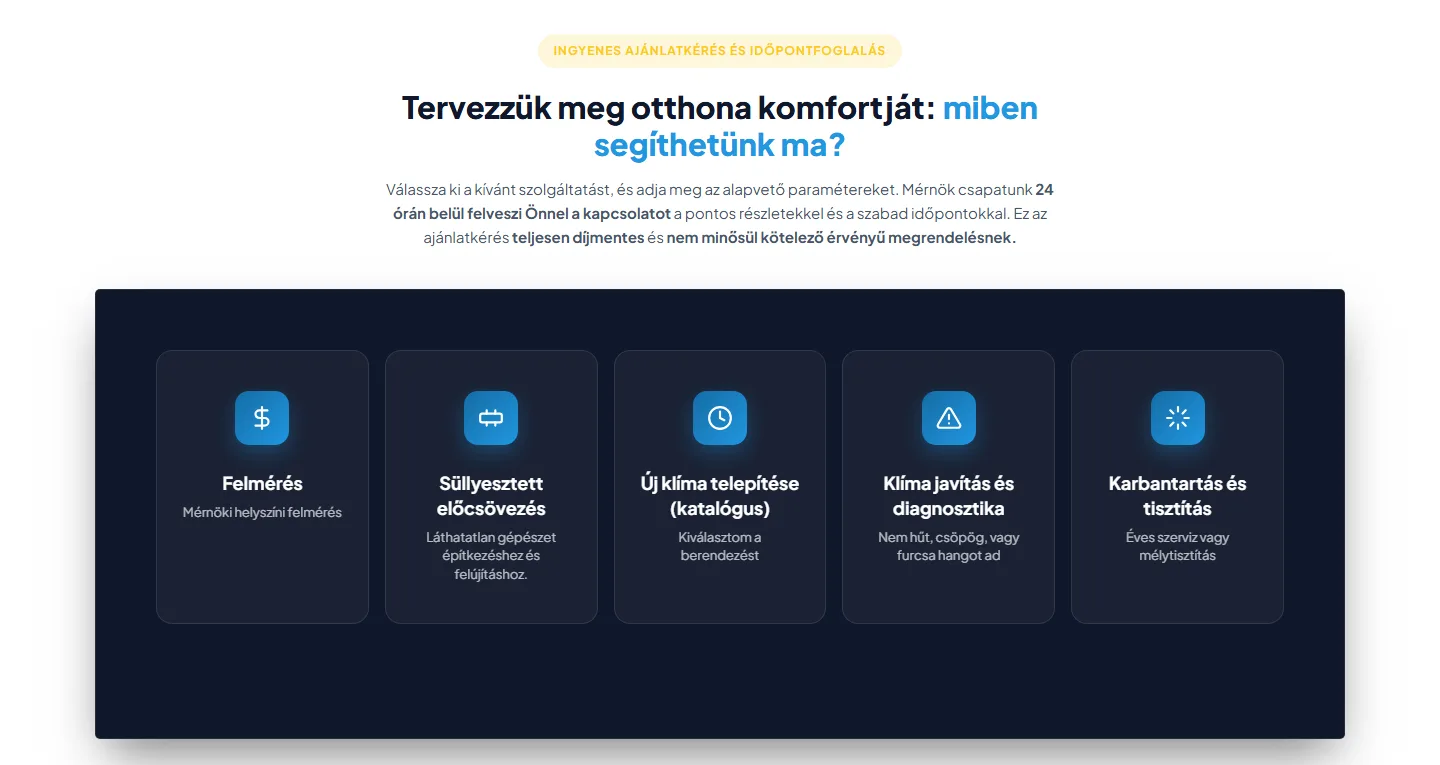
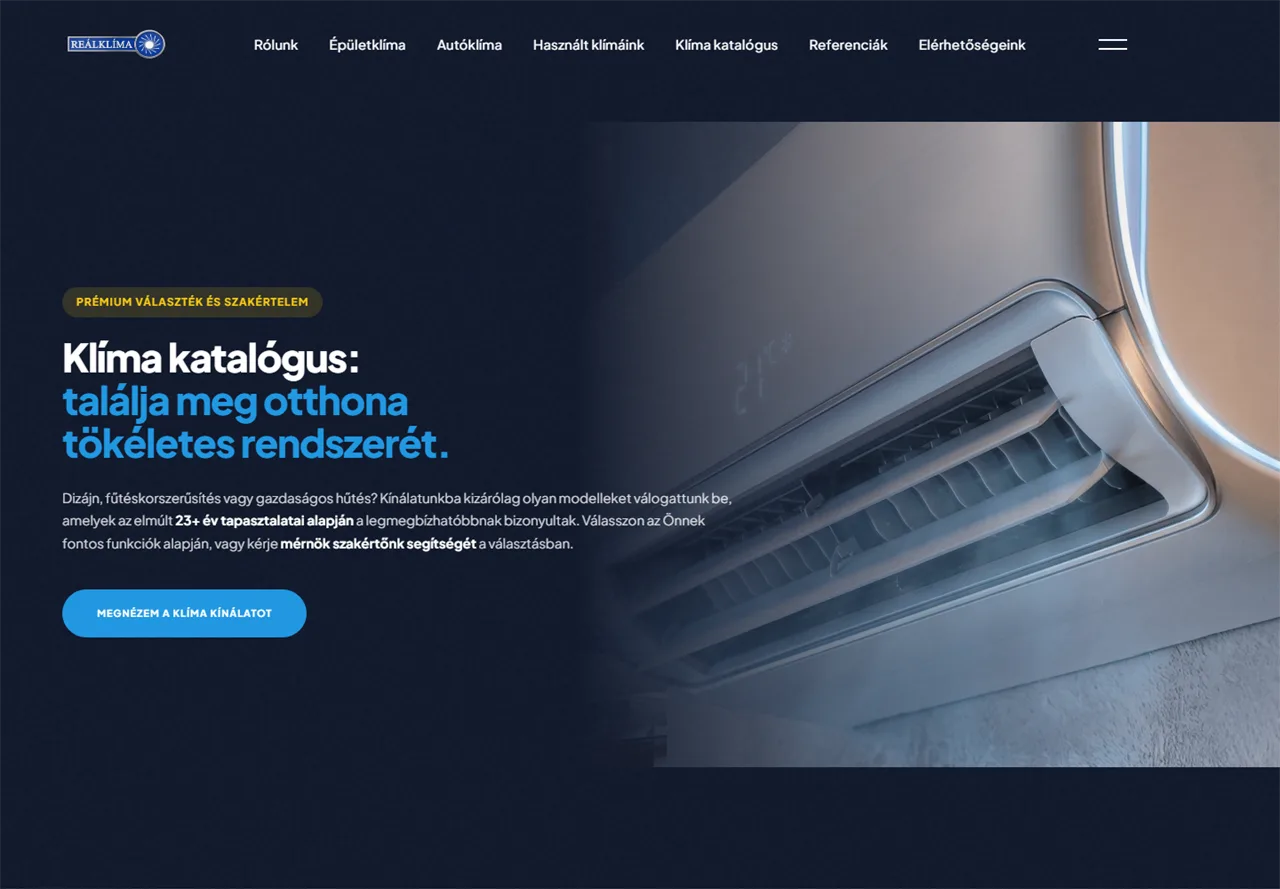
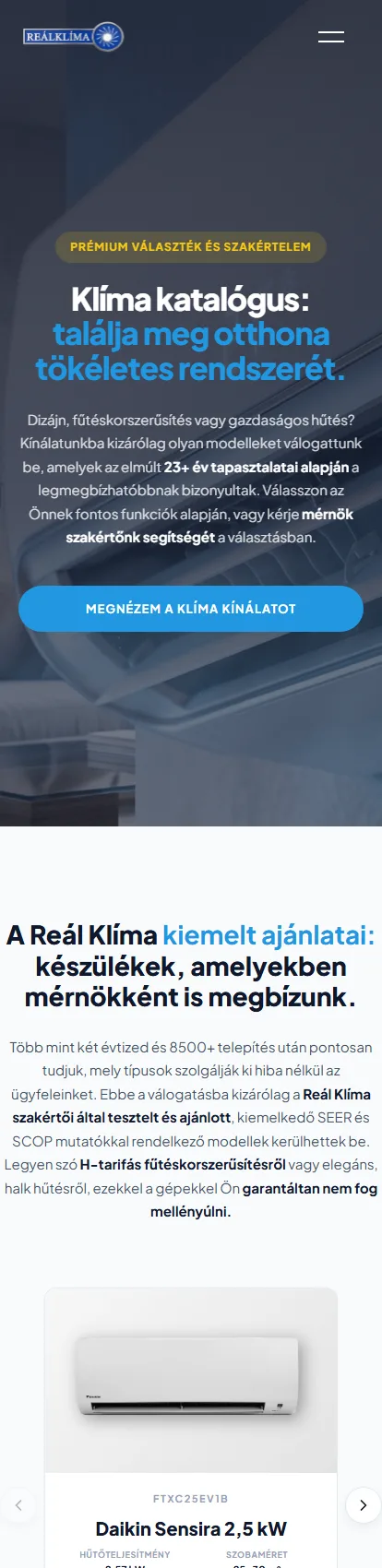
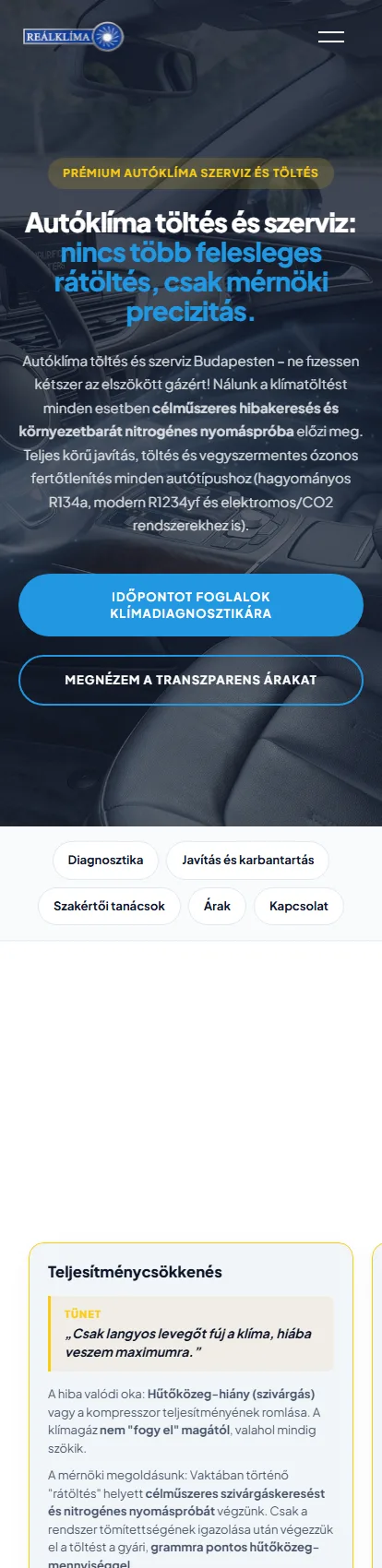
The client Reál Klíma Kft. has specialized in air conditioning technology since 2003. The company is based in Csepel and serves Budapest and the surrounding area. They handle air conditioner sales, building air conditioning installation, and automotive air conditioning repair under one roof. I brought the 23-year-old company's three divisions together in one system, giving visitors a clear overview and a direct path to requesting a quote. 01 — The pre-qualifying quote request form clima.hu — quote request start screen Most business owners know the moment when an email arrives saying, "I want air conditioning, please send me a price," and the technician then spends several minutes on the phone asking questions to establish the basics. I built this section so that when visitors click to request a quote, they choose what they need from five service category cards instead of facing a set of blank fields. If they select a site survey, the page asks how many rooms they want to cool, the size of the area, what type of electrical system they have, and where the outdoor unit would be installed. But if they choose to buy a new air conditioner, three cards take them to the catalog, the air conditioner finder, and the selection guide instead of a form – they are not ready to request a quote yet. I also built the same sequence into the drop-down menu, while the air conditioner product pages have a separate four-step quote request panel – prospects can start wherever they happen to be. They cannot continue without answering, and in most steps, selecting an answer automatically takes them to the next one, so there are no unnecessary clicks. They can also upload a photo of the site. This eliminates follow-up questions by phone: the technician can immediately see that the prospect wants air conditioning in three rooms of a shell-stage house, has single-phase power, and plans to place the outdoor unit in the yard – enough information to decide what to bring and what the job is worth. 02 — The inquiry workflow Example of an incoming inquiry Nine data points are compiled for every inquiry the second the prospective customer clicks Send. I save the request in the background before the notification emails are even sent – so if email service is temporarily disrupted, the inquiry is still stored. The company's inbox receives every question and every answer in full, with no codes to decipher. The technician can read through it and know what to expect before the site visit, while the Reply button opens with the prospective customer's address already entered. The prospective customer also receives confirmation that the request has been received. For day-to-day work, the company opens a separate, password-protected dashboard dedicated solely to inquiries and excluded from the list that Google crawls – so customer data can never appear in search results. Requests can be filtered by three statuses: clicking the "In progress" card leaves only those requests on the screen, without reloading the page. Clicking a row slides out a panel with every answer; the phone number can be called with one tap, and as soon as the call ends, a time-stamped note can be added: "I called back; we're going out to assess it next Tuesday." The next person who answers the phone can see exactly where the inquiry stands without maintaining a separate spreadsheet. The three statuses in the dashboard 03 — What it's built on As visitors scroll through the air conditioner catalog, the next set of units automatically appears on their screen – there is no "next page" button, so there is nothing to wait for. I built the entire site out of ten pages and forty custom sections, tailored specifically to how this company operates. When someone clicks a unit, the old view gently slides down as the new one rises into place. This transition is handled by the browser's own engine, so the switch is instant and visitors can immediately scan the twenty technical specifications on the unit's product page. On phones, native scrolling remains in place, so not a single animation slows down visitors in a hurry. Behind the scenes, the site protects itself, so the company only has to deal with genuine quote requests. The forms are protected by five-stage spam filtering that measures completion time – only a machine can complete a form in under three seconds – sets an invisible trap field for bots, and scores the submitted text. This protection was automatically applied to every existing form without changing a single field. At the gate, the site blocks seventeen known attack patterns, and after five failed login attempts, it locks out the user for half an hour. Three of the ten pages — air conditioner catalog, building climate control, auto AC service 0 separate plugins for email delivery, spam filtering, attack protection, search engine optimization, and cookie management. All five are custom solutions written for this site – fewer third-party programs on the site means fewer things that can break during an update. The result Presenting multiple lines of business on a single interface usually leads to chaos. A visitor is looking for car AC service but ends up in an endless equipment catalog, loses patience, and ultimately asks a question over the phone that was already answered on the screen. The main menu separates the paths: visitors looking for AC installation are directed to the catalog and project examples, while those bringing in their car are directed to the car AC service. The service type is selected at the start of the quote request, so each request is immediately assigned to the right service. Design system The site uses Reál Klíma's blue, with yellow accents at key decision points, set against a dark background. Plus Jakarta Sans is used throughout in four weights. Plus Jakarta Sans Font family · 400 · 500 · 700 · 800 The quick brown fox jumps over the lazy dog Headings, body copy, and buttons – the same font family is used throughout the site in four weights. Mobile On mobile, the catalog, building climate control, and automotive air conditioning service remain the three entry points, with a quote request button on all three screens.
They sell air conditioners, cool buildings, and service cars.
The form that handles the initial phone consultation for you.
The inquiry arrives by email and is also available in a dedicated dashboard.
The system that keeps itself clean and loads instantly.
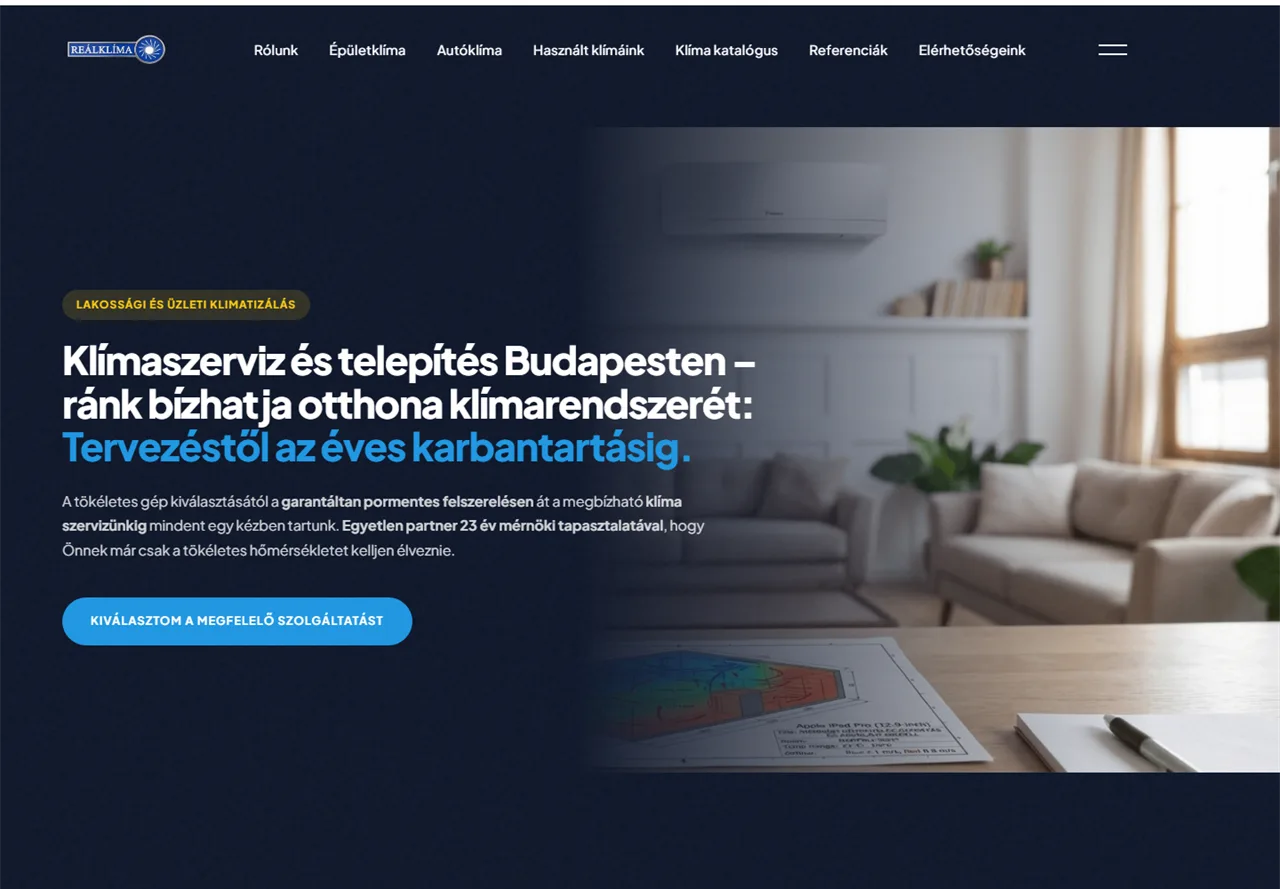
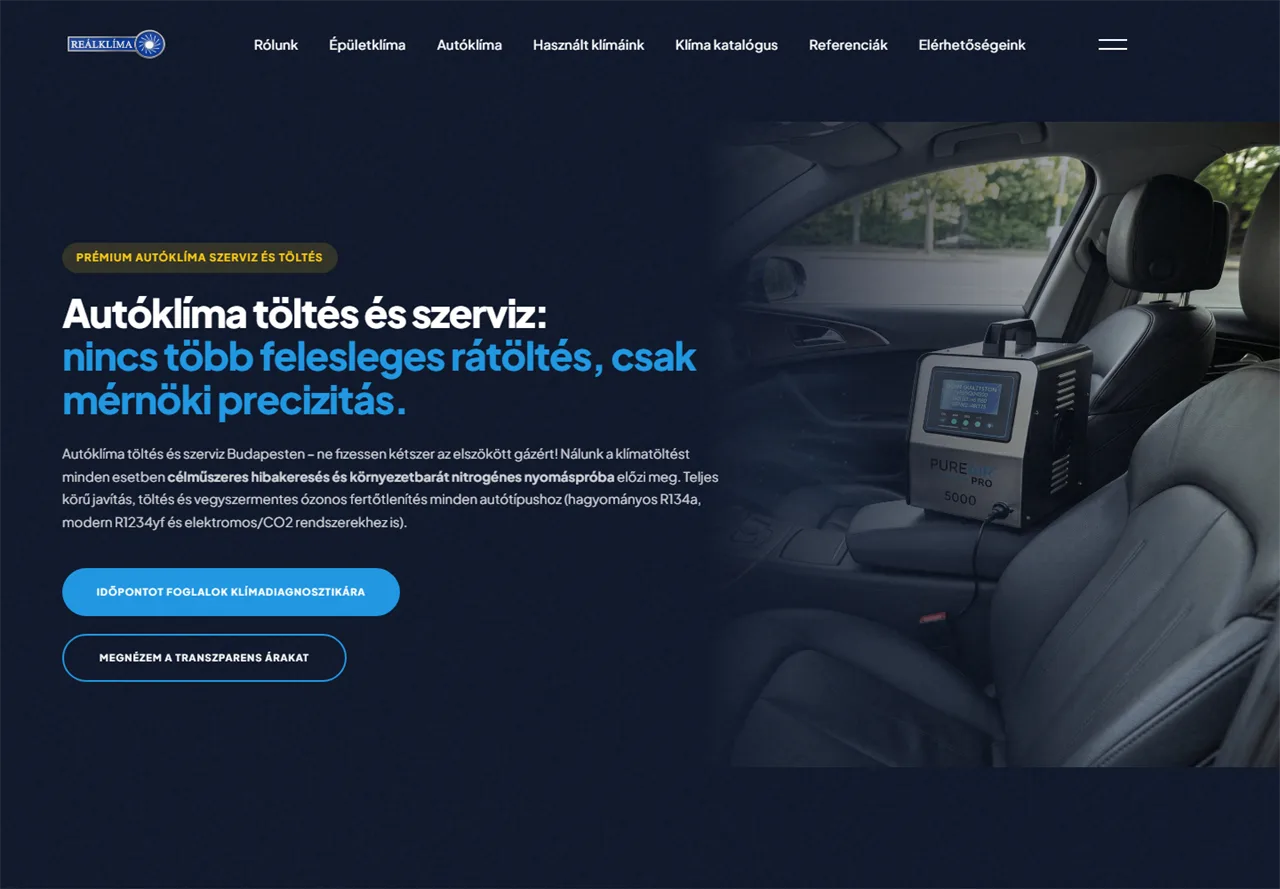
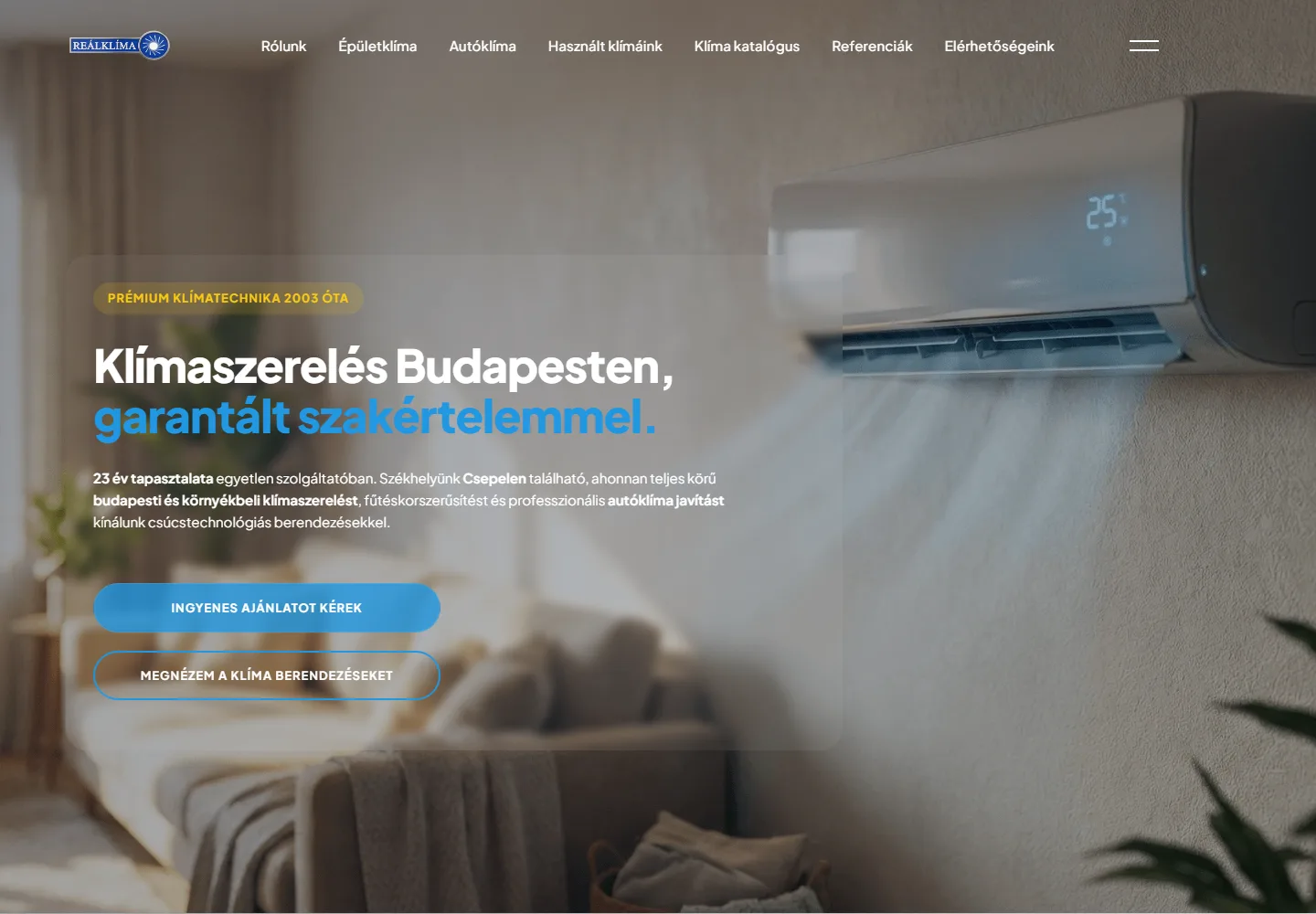
Three services, one clear path.
The brand's colors and typeface.
The same three paths on mobile.

#2197E1Brand blue
#156DA5Dark blue
#FACC15Accent
#0F172ABase